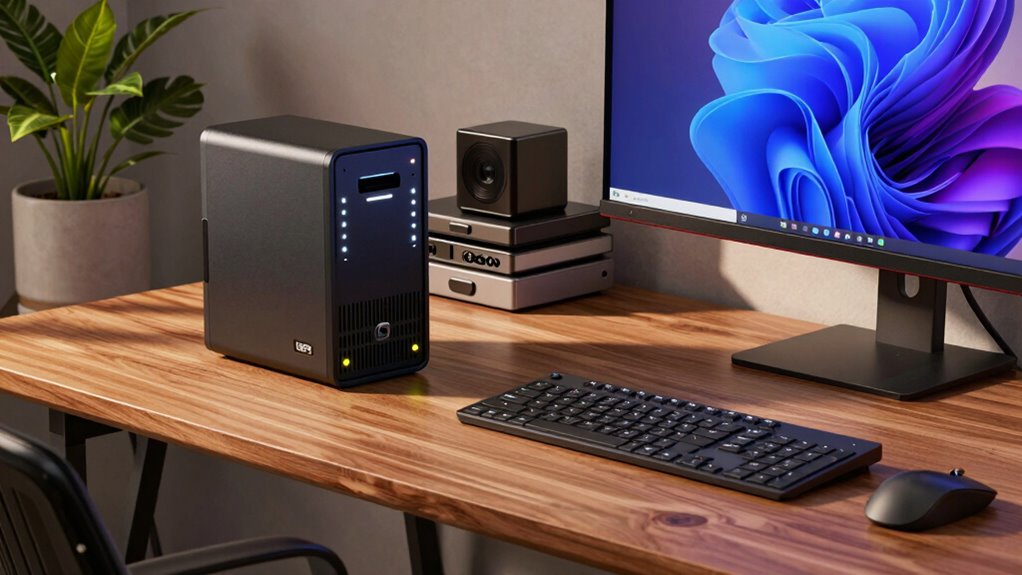

To choose a UPS for your home office, start by calculating the total wattage of your devices, including your computer, monitor, and router, and pick a model with at least 20-30% extra capacity. Decide how long you need backup power to save work and shut down properly. Look for a unit with surge protection, easy battery replacement, and an intuitive interface. If you keep these tips in mind, you’ll find the best setup for your needs—more details await.
Key Takeaways
- Calculate total power consumption of all devices to select a UPS with adequate capacity.
- Determine desired backup runtime to choose a UPS that provides sufficient emergency power.
- Opt for models with easily replaceable batteries and regular maintenance to ensure reliability.
- Ensure the UPS offers surge protection to safeguard equipment from voltage spikes.
- Select a UPS with user-friendly interface, monitoring features, and necessary connectivity options.
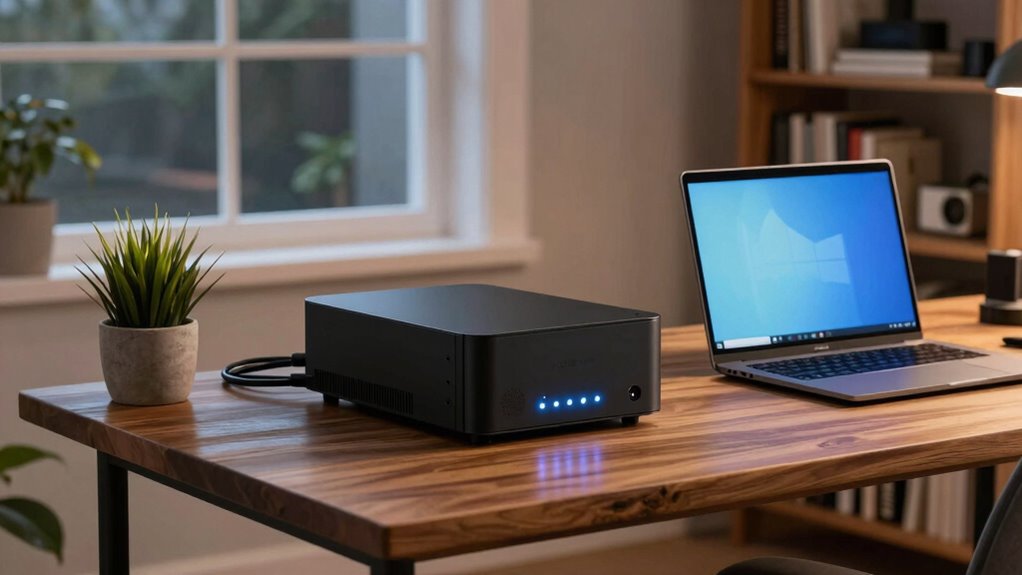
Have you ever experienced a sudden power outage that disrupted your work or damaged your equipment? If so, you know how frustrating it can be to lose important files or have your devices suddenly shut down. That’s where choosing the right UPS (Uninterruptible Power Supply) becomes vital for your home office. A good UPS provides backup power during outages and protects your gear from power surges that can cause long-term damage. When selecting one, you’ll want to contemplate several factors to ensure it meets your needs and keeps you online.
First, think about your equipment’s power demands. Calculate the total wattage of your computer, monitor, router, and any other devices you plan to connect. This helps determine the UPS capacity you’ll need. For a home office, a mid-range UPS usually suffices unless you run high-powered equipment. You also need to regard the runtime—how long you want your devices to stay powered during an outage. Typically, a UPS offers a few minutes of backup, enough to save your work and shut down properly.
Calculate your devices’ total wattage and desired backup time to choose the right UPS for your home office.
Battery maintenance is another critical aspect. Over time, the batteries inside your UPS will degrade, reducing runtime and reliability. Look for UPS models with easily replaceable batteries, so you can maintain your backup system without replacing the entire unit. Regularly testing your UPS and replacing batteries as recommended ensures it functions correctly when you need it most. Neglecting battery maintenance could mean your UPS doesn’t provide adequate backup during a power outage, defeating its purpose.
Power surges are one of the main threats that a UPS guards against. Sudden voltage spikes can fry sensitive electronics, leading to data loss or hardware failure. A quality UPS includes surge protection, absorbing these dangerous spikes before they reach your devices. When choosing a UPS, verify that it offers robust surge protection features, especially if you live in an area prone to electrical storms or unstable power supply. Additionally, understanding the importance of battery maintenance can extend your UPS’s lifespan and ensure reliable backup when needed. Proper surge protection can also prevent long-term damage to your electronics, saving you money on repairs or replacements.
Lastly, consider the user interface and additional features. Some UPS units come with LCD screens that display real-time battery status, load levels, and estimated runtime, making it easier to monitor performance. Others might include USB or Ethernet ports for automatic shutdowns or network management. Ease of use and reliability are key; you want a device that’s straightforward to operate and dependable during emergencies.

Porch Shield Waterproof Universal Generator Cover 32 x 24 x 24 inch - for Most Generators 5000-10000 Watt, Black
Compatible - More sizes for 5000w -10000w gas generator or inverter generator.
As an affiliate, we earn on qualifying purchases.
Frequently Asked Questions
Can a UPS Protect Against Power Surges?
Yes, a UPS can protect against power surges by including surge protection features that block excess voltage from damaging your devices. However, keep in mind that surge protection can wear out over time, affecting battery lifespan and overall effectiveness. It’s essential to regularly check your UPS’s surge protection capabilities and replace it when necessary to guarantee continued protection and peak battery performance for your home office.
How Often Should I Replace My UPS Battery?
You should replace your UPS battery every 3 to 5 years, depending on usage. For example, if your office experiences frequent outages, the battery’s lifespan may shorten, requiring more frequent replacements. Regularly check your UPS’s battery health and look for signs like reduced backup time. Following the recommended replacement frequency guarantees your UPS continues to protect your devices and keeps your home office online during power interruptions.
Is a Larger UPS Always Better?
A larger UPS isn’t always better because it often has higher battery capacity and may be less energy efficient, which can lead to unnecessary costs. You should select a UPS that matches your home office’s power needs without overestimating. Focus on finding a model with adequate battery capacity to support your devices during outages while maintaining good energy efficiency. This guarantees reliable backup without wasting energy or money.
Do All UPS Units Support Multiple Devices?
Did you know that most UPS units support multiple devices? While not all, many models can power several gadgets simultaneously, depending on their power capacity. Your choice influences battery lifespan and overall efficiency. Look for units with sufficient power capacity to handle your devices’ total load. This way, you guarantee continuous uptime, protect your equipment, and extend battery life, making your home office more reliable and efficient.
Can a UPS Back up My Wi-Fi Router?
Yes, a UPS can back up your Wi-Fi router, ensuring your wireless security remains intact during outages. Look for an energy-efficient model with enough capacity to keep your router running long enough for you to save work or shut down safely. An efficient UPS minimizes power drain, helping you save on energy costs while maintaining reliable network connectivity. Choose one with sufficient outlets and backup time tailored to your needs.
Porch Shield Waterproof Universal Generator Cover 38 x 28 x 30 inch - for Most Generators 5500-15000 Watt, Black
Compatible - More sizes for 5500w -15000w gas generator or inverter generator.
As an affiliate, we earn on qualifying purchases.
Conclusion
Choosing the right UPS guarantees your home office stays online during power outages, protecting your work and devices. Remember, a UPS with at least 20-30 minutes of backup power is ideal for safe shutdowns. Did you know that nearly 70% of data loss occurs because of unexpected power failures? Investing in a reliable UPS not only safeguards your work but also provides peace of mind, keeping your productivity uninterrupted no matter what.

GenArmor Generator Covers While Running, 100% Waterproof Heavy Duty Tarps Generator Tent, Portable Outdoor Generator Enclosure for Most 4000w~13000w Generators, Black, Standard
100% Waterproof Protection: A patented innovation from GenArmor independent design lab, ensuring the safety of your generator covers...
As an affiliate, we earn on qualifying purchases.
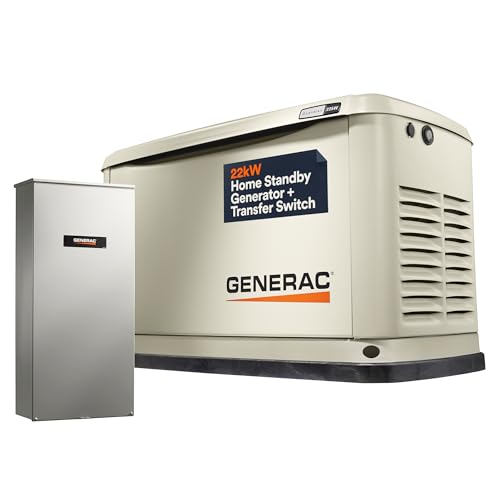
Generac Guardian 22kW Home Standby Generator with 200 Amp Transfer Switch - Automatic Whole House Backup Power for Storms, Emergencies, and Outages, WiFi Enabled, Runs on Natural Gas or Liquid Propane
Remote Monitoring Anywhere: With Generac 7043 22kW Mobile Link Wi-Fi connectivity, effortlessly track generator performance from anywhere. Stay...
As an affiliate, we earn on qualifying purchases.