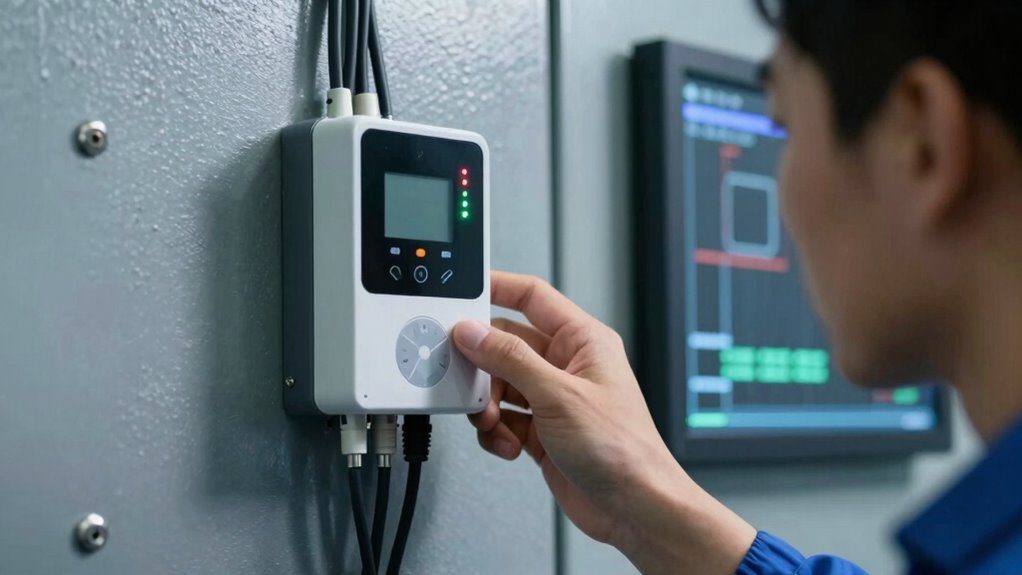
To fix common remote monitoring connection problems, start by checking your network and device settings. Make certain your device is within Wi-Fi range, restart your router, and update its firmware. Verify that IP addresses, subnet masks, and gateways are correct on all devices. Secure your network by opening necessary ports and reviewing firewall or VPN settings. Keep firmware updated and analyze logs for errors. If issues persist, reconfigure or reset your network equipment. Continue to explore the steps to improve your connection stability.
Key Takeaways
- Ensure stable internet connection by restarting routers and reducing network congestion.
- Verify remote device network settings, including IP addresses and gateway configurations.
- Check and open necessary ports, and review firewall or VPN settings for access issues.
- Keep firmware updated and review system logs for errors or authentication failures.
- Reset and reconfigure network equipment if persistent issues remain.
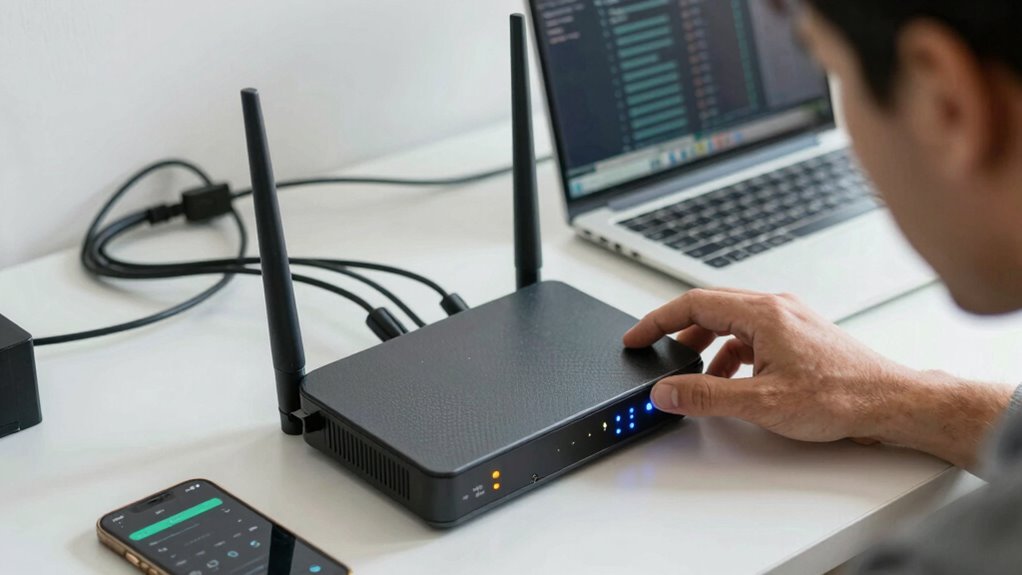
Remote monitoring systems are essential for keeping an eye on your equipment and ensuring smooth operations, but connection issues can disrupt this process. When your remote device isn’t communicating properly, it could be due to a variety of factors, from network congestion to security settings. To fix these problems effectively, you need to understand both remote device security and basic network troubleshooting techniques. By doing so, you’ll minimize downtime and keep your system running smoothly.
The first thing you should check is your network connection. Often, connectivity problems stem from Wi-Fi interference, weak signals, or overloaded networks. Make sure your device is within range of your Wi-Fi router and that your internet connection is stable. Restart your router if needed, and consider updating its firmware to improve performance. Sometimes, network congestion caused by multiple devices can slow down data transfer, so disconnect any unnecessary devices from the network to free up bandwidth. Ensuring proper network configuration is also key to preventing connection issues.
Next, verify that your remote device has the correct network settings. Check IP addresses, subnet masks, and gateway configurations to ensure they match your network’s standards. Incorrect settings can block communication, leading to connection failures. If you’re unsure, resetting your device’s network settings or assigning static IP addresses might help establish a more reliable connection. Additionally, understanding remote device security is crucial, as improper security configurations can inadvertently block legitimate access.
Remote device security is another critical aspect. Firewalls, antivirus software, and VPNs can sometimes block necessary ports or restrict access, causing connection issues. Review your security settings and ensure that the required ports for your remote monitoring system are open and not being blocked. Use network troubleshooting techniques such as ping tests or traceroutes to identify where the connection drops. These tools can help pinpoint whether the problem lies within your local network, your device’s configuration, or the broader internet. Properly configuring and securing network infrastructure can also prevent many common connection problems. Implementing derating techniques for high-altitude or high-temperature environments can also improve overall system reliability by reducing hardware stress and preventing overheating. Additionally, considering environmental factors such as air quality considerations may help in maintaining stable device operation.
If your device still isn’t connecting, check for firmware updates or software patches from the manufacturer. Outdated firmware can cause compatibility issues, leading to unstable connections. Also, review your remote monitoring system’s logs for error messages that might indicate specific problems, such as authentication failures or timeouts.
Finally, if all else fails, consider resetting your network equipment to factory settings and reconfiguring from scratch. This can clear hidden misconfigurations that might be causing persistent issues. Throughout this process, keep in mind that maintaining remote device security is paramount; avoid disabling security features without understanding the risks involved. Properly balancing security and connectivity ensures your system remains both accessible and protected. By applying these network troubleshooting techniques and safeguarding remote device security, you’ll resolve most common connection problems and keep your remote monitoring system running seamlessly.
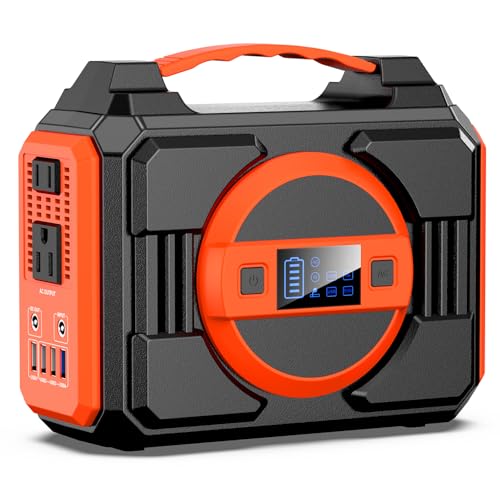
Portable Power Station 300W, 220Wh Solar Generator Backup Battery Pack Bank
- PORTABLE POWER STATION WITH ENHANCED CAPACITY: Experience the convenience with our...
- PORTABLE SOLAR POWER BANK WITH 7 OUTPUTS: This portable solar power bank...
- SOLAR GENERATOR OPTIONAL: This 300W power station power...
As an affiliate, we earn on qualifying purchases.
Frequently Asked Questions
Can Outdated Firmware Cause Remote Monitoring Issues?
Yes, outdated firmware can cause remote monitoring issues because it affects firmware compatibility with your devices and network. As devices age, their firmware may become outdated, leading to communication problems or security vulnerabilities. To guarantee smooth remote monitoring, you should regularly update your firmware, addressing compatibility issues and improving device performance. Keeping firmware current helps prevent connection problems caused by device aging or outdated software.
What Security Settings Might Block Remote Connections?
Security settings like firewall configurations can block remote connections if they don’t allow the necessary ports or applications. You should check your firewall rules to verify they permit remote monitoring traffic. Additionally, strict password policies might restrict access if your credentials don’t meet security standards. Adjust your firewall settings and verify your password policies to confirm they aren’t unintentionally blocking remote monitoring access, making sure your setup remains secure yet accessible.
How Does Network Congestion Affect Remote Monitoring?
Network congestion hampers your remote monitoring by slowing data flow, causing delays and disruptions. Bandwidth throttling limits your connection speed, making it harder to transmit real-time data efficiently. Signal interference from nearby devices or networks further disrupts the connection, leading to dropouts and unstable feeds. You need to minimize these issues by prioritizing network traffic, reducing interference sources, and ensuring your bandwidth isn’t unnecessarily restricted, keeping your remote monitoring smooth and reliable.
Are There Specific Hardware Requirements for Stable Connections?
To guarantee stable remote monitoring connections, you need compatible hardware that meets your system’s specifications. Guarantee your devices have the right hardware compatibility, like compatible network cards and sufficient processing power. Additionally, proper device placement matters—position your equipment in locations with strong Wi-Fi signals and minimal interference. Using quality routers and network switches can also enhance stability, reducing connection drops and latency.
How Often Should Remote System Software Be Updated?
You should perform remote updates regularly, ideally as soon as new versions are available, to guarantee your system remains secure and efficient. Frequent remote updates improve software compatibility, fixing bugs and enhancing performance. By staying current, you prevent potential connection issues caused by outdated software. Set a schedule or enable automatic updates to keep your remote monitoring system consistently optimized, reducing the risk of disruptions and maintaining reliable access.

DARAN Portable Power Station 89.6Wh LiFePO4 Battery 100W(200W Peak) Solar Power Bank, Portable Charger Small Generator with AC Outlets & PD Fast Charging for Home/Laptop/Camping(Solar Panel Optional)
- 【SLIM & POCKETABLE】This portable power bank is about the size of a smartphone (6.5×3.3×4 inches) and weighs only 2.54 pounds. It features an ergonomic soft handle for easy portability. It easily fits into a backpack for convenient portability. Pro Tip: Fully charge and discharge the...
- 【DUAL INPUT/OUTPUT (AC + DC)】The portable power station...
- 【Ultra Fast Charging】With unique fast charging technology,the portable generator can be charged from 0-80% just in 1.5hrs. The solar power bank power station has Four methods to charging: AC wall socket fast charging,...
As an affiliate, we earn on qualifying purchases.
Conclusion
Think of your remote monitoring system as a delicate bridge between you and your data. When connection issues arise, it’s like a storm blocking the path—quick fixes clear the skies and restore flow. With patience and troubleshooting, you become the skilled captain steering through turbulent waters. Soon, your signals will flow smoothly again, and your monitoring system will operate like a well-tuned vessel, ensuring your peace of mind and continuous oversight.

Portable Solar Power Bank with AC Outlet 65W 110V External Battery Pack
- 🌍Outdoor Power Bank with Solar Panel: with a 24000mAh lithium-ion battery...
- 🌍Portable Battery Pack with AC DC Outlet: with 1* 110V/65Watt Max AC...
- 🌍Three Charging Ways: ZeroKor portable battery power bank...
As an affiliate, we earn on qualifying purchases.

Portable Power Station with 40W Solar Panel, 100W Solar Powered Generator
- 🌍Solar Power Bank Generator with Panel Included: ZeroKor solar generator kit includes...
- 🌍Multiple Charging Outputs, AC Pass-Through Charging: with 2*100W MAX AC Outlets,...
- 🌍Multiple Charging Ways, Solar Panel 40W Included: ZeroKor portable laptop power bank...
As an affiliate, we earn on qualifying purchases.