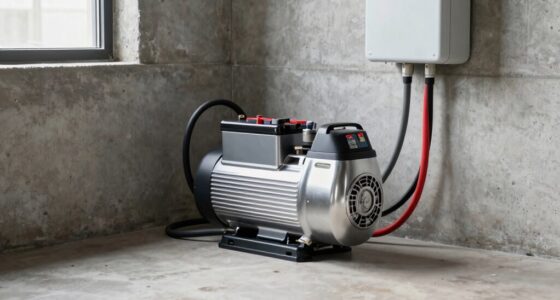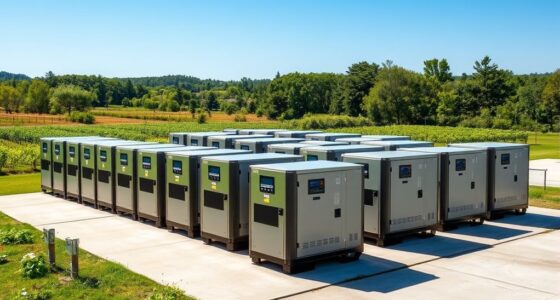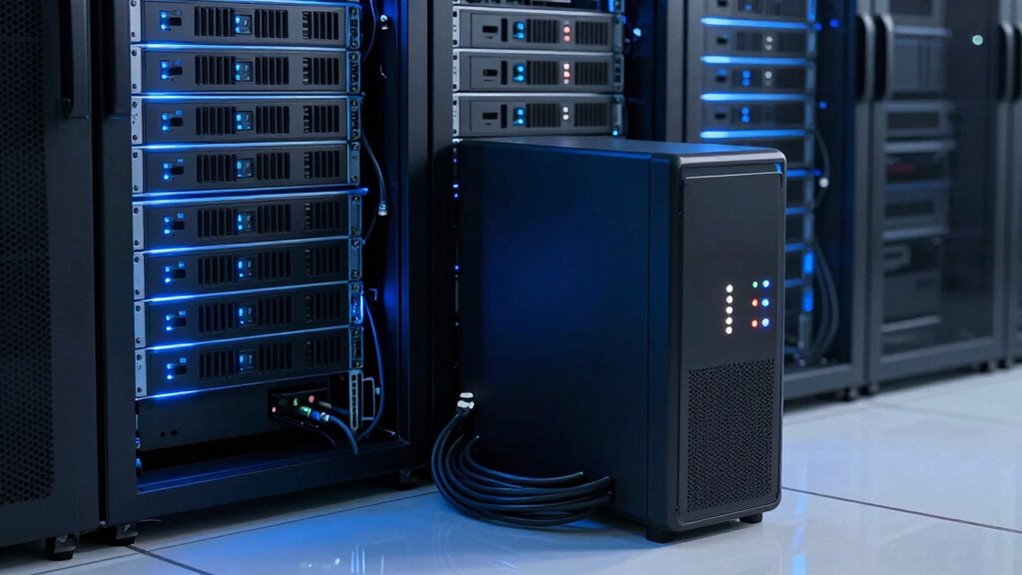

As a server or NAS owner, you need reliable backup power to prevent data loss and downtime during outages. A quality UPS provides immediate backup and sustains your systems, giving you time to shut down properly or keep working. Regular maintenance, monitoring, and surge protection are essential to guarantee your backup solutions stay effective. Staying prepared and aware of power issues helps you protect your data and systems. Keep exploring to learn how to strengthen your power resilience.
Key Takeaways
- Reliable backup power solutions ensure continuous operation and prevent data corruption during outages.
- Regular maintenance and testing of UPS and backup systems guarantee readiness when needed.
- Proper power management and surge protection safeguard servers and NAS devices from power fluctuations.
- Automated backup and quick recovery plans minimize downtime and data loss after outages.
- Staff training and clear procedures enhance response efficiency and protect data integrity during power disruptions.
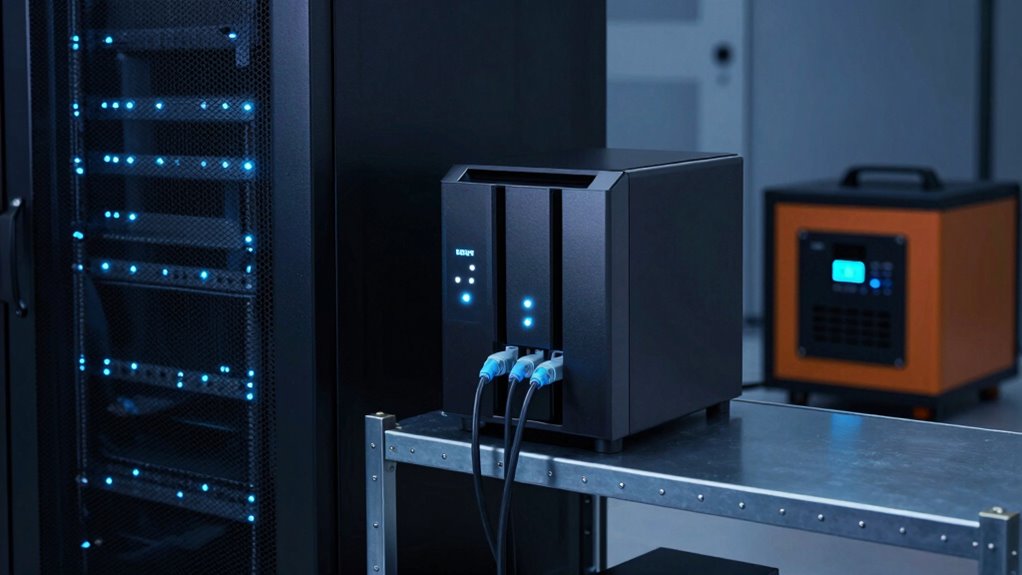
Power outages can strike unexpectedly, risking data loss and system downtime for server and NAS owners. When the power goes out without warning, your entire operation can be thrown into chaos. That’s why power outage preparedness is vital. You need a reliable backup power solution that guarantees your data remains safe and your systems stay operational, even during blackouts. Having a plan in place means you’re not caught off guard, and you can continue working or shut down gracefully without risking data corruption.
Power outages threaten data security—prepare with reliable backup solutions and clear procedures to stay protected.
Investing in uninterruptible power supplies (UPS) is a key step. A good UPS provides immediate backup power, giving you enough time to save your work and shut down your servers or NAS devices properly. This prevents abrupt shutdowns that can corrupt data or damage hardware. Additionally, a UPS with sufficient capacity can keep your systems running long enough to handle extended outages, especially if you pair it with backup generators for longer-term power needs. This layered approach boosts your power outage preparedness considerably. Regular maintenance and testing of your UPS and backup systems are essential to ensure they function correctly when needed.
Once the power returns, you want to guarantee your data recovery strategies are effective. Regular backups are your first line of defense. With a solid backup plan, you can restore lost files and system configurations quickly, minimizing downtime. Automated backups to off-site or cloud storage eliminate the risk of losing everything if your on-site hardware is compromised. Remember, the key is consistency—schedule backups frequently and verify their integrity to guarantee you can rely on them when needed. Incorporating biodiversity principles into your data management can also promote sustainable practices and resilience. Additionally, understanding power management best practices can further optimize your backup and recovery processes. Implementing proper power distribution techniques can also help prevent overloads and ensure your systems receive stable electricity during outages.
A comprehensive approach should also include monitoring your power systems for voltage fluctuations, as these can significantly impact hardware performance and data integrity. Power fluctuations during outages or when power is restored can damage your equipment or corrupt data. Proper surge protection adds an extra layer of security, safeguarding your investment. It’s also wise to test your backup power systems periodically. Running drills helps identify weaknesses in your power outage preparedness plan, so you can address them before an actual emergency occurs. Moreover, staying informed about power outage alerts and updates from utility providers can help you prepare and respond more effectively.
Finally, having clear procedures for handling power outages helps streamline your response. Train your staff to recognize when to switch to backup power, how to safely shut down systems if necessary, and how to verify data integrity afterward. With these strategies in place, you’ll reduce the risks associated with power outages and guarantee your data remains safe, accessible, and protected against unexpected disruptions. Being proactive about backup power and data recovery strategies is the best way to keep your server and NAS operations resilient in any situation.

Porch Shield Generator Cover for 5000-10000W, 32 x 24 x 24 inch, Black
- Compatible - More sizes for 5000w -10000w gas...
- Upgrade Material - Made of 600D polyester fabric...
- Tear Resistant & Waterproof - The high-level double...
As an affiliate, we earn on qualifying purchases.
Frequently Asked Questions
How Long Should a Backup Power Supply Last During an Outage?
You should aim for a backup power supply that provides at least 15 to 30 minutes of battery life, ensuring your server or NAS stays operational during outages. The ideal power duration depends on how quickly you can safely shut down or switch to an alternative power source. Prioritize a system with sufficient power duration to prevent data loss, giving you time to respond and secure your equipment.
Can Backup Power Systems Support Multiple Servers Simultaneously?
Yes, backup power systems can support multiple servers simultaneously, but it depends on their power capacity and battery lifespan. When selecting a backup system, verify it has sufficient capacity to handle the total load of all servers during an outage. Check the battery lifespan to ensure reliable performance over time. Proper sizing guarantees your servers stay operational when the main power fails, preventing data loss and downtime.
What Maintenance Is Required for Backup Power Solutions?
You need to regularly check your backup power solutions to guarantee they stay reliable. Keep an eye on battery lifespan, replacing batteries as recommended by the manufacturer before they fail. Schedule routine maintenance, like inspecting connections and testing system functionality, to prevent unexpected outages. Proper maintenance scheduling helps extend equipment life, maintain peak performance, and ensure your servers and NAS devices stay protected during power disruptions.
Are There Portable Backup Power Options for Remote Server Setups?
Powerful portable options exist for remote server setups, providing reliable backup power when you need it most. These portable power packs and generators deliver dependable energy, ensuring your remote servers stay online during outages. Compact and convenient, they’re designed for quick deployment and easy mobility. With these portable solutions, you can confidently protect your remote setup, keeping data safe and operations steady, no matter where your server resides.
How Do Backup Power Solutions Impact Overall Data Security?
Backup power solutions enhance your data security by ensuring continuous operation during outages, preventing data loss. Power redundancy, like dual UPS systems, keeps your servers running smoothly, reducing risks. Incorporate data encryption to protect sensitive information even if backup power is compromised. Together, these measures maintain data integrity and confidentiality, giving you confidence that your data stays secure and accessible, no matter what power disruptions occur.
Porch Shield Generator Cover for 5500-15000W, 38 x 28 x 30 inch, Black
- Compatible - More sizes for 5500w -15000w gas...
- Upgrade Material - Made of 600D polyester fabric...
- Tear Resistant & Waterproof - The high-level double...
As an affiliate, we earn on qualifying purchases.
Conclusion
Ensuring your server and NAS have reliable backup power isn’t just smart—it’s essential. Did you know that 60% of small businesses experience data loss due to power outages? Protecting your data means avoiding costly downtime and data breaches. By investing in a robust backup power system, you safeguard your critical information and keep your operations running smoothly. Don’t wait for a blackout to realize the importance—be proactive and secure your digital future today.

Portable Solar Generator 300W Portable Power Station with 60W Solar Panel
- Portable Generator with 60W Solar Panel Included: with a big battery pack,...
- Multiple Charging outlets for camping gear with SOS Flashlight: with 2* 300W Max AC...
- Multiple Charging Optional, Solar Panel Charger 60W Included: ZeroKor portable power bank generator...
As an affiliate, we earn on qualifying purchases.

SOARAISE Solar Power Bank 48000mAh Wireless Portable Charger with 4 Cables
- Upgraded High-Efficiency 4 Solar Panels: Equipped with 4 premium solar...
- Massive 48000mAh Solar Power Bank: Featuring a high-capacity 48000mAh lithium-polymer...
- Built-in 4 Cable for Multi-Device Compatibility: Designed for multi-device charging, this...
As an affiliate, we earn on qualifying purchases.