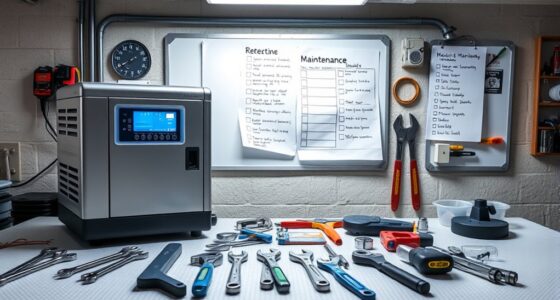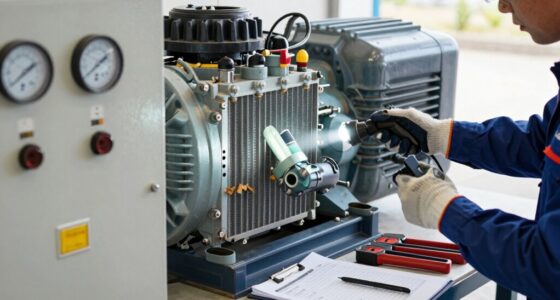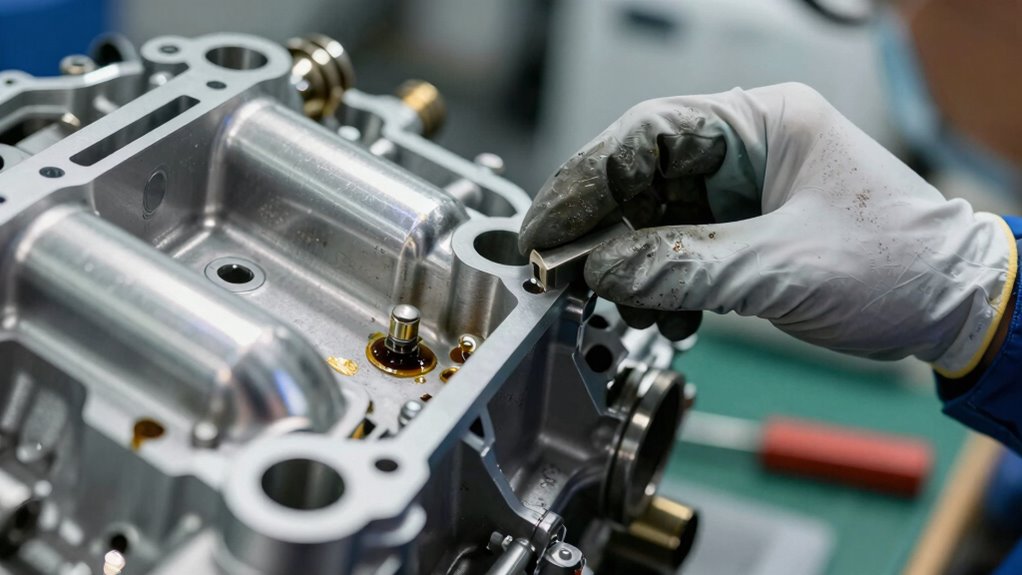

After your equipment hits 100 run hours, you should check the oil level and condition, replacing it if it’s dark or gritty. Inspect and replace the air filter if it’s dirty or clogged, and examine spark plugs, hoses, and belts for wear or damage. Also, confirm coolant and other fluid levels are proper and free of contamination. Listen for unusual noises and verify all safety guards are in place. Continuing on will help you stay ahead of potential issues.
Key Takeaways
- Check and replace engine oil if it appears dirty or gritty to ensure proper lubrication.
- Inspect air filter for dirt, clogging, or damage; replace if necessary.
- Examine spark plugs, belts, and hoses for wear, cracks, or damage.
- Verify coolant and fluid levels are adequate and free from contamination.
- Conduct a visual inspection for signs of wear, leaks, or abnormal vibrations during operation.
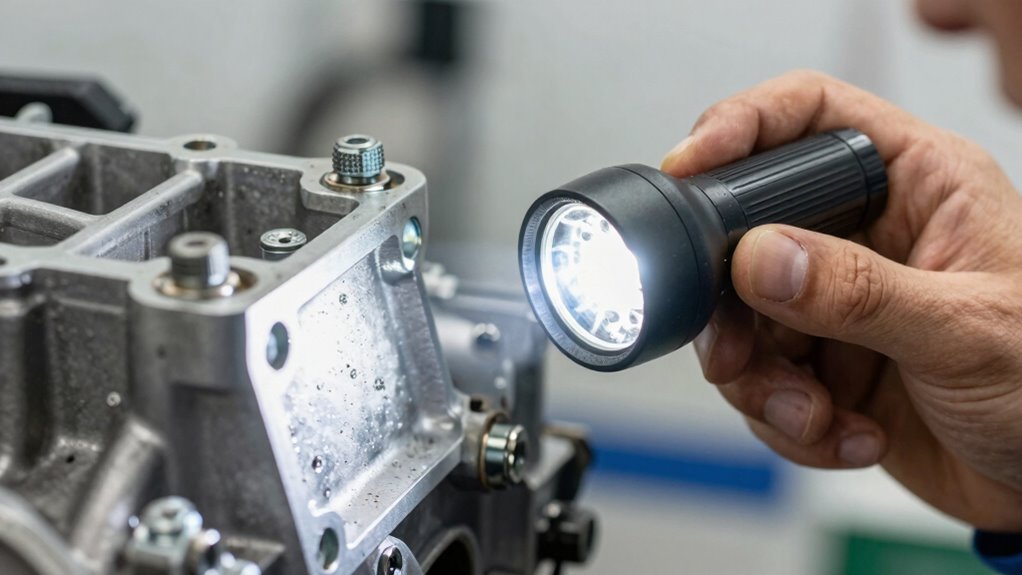
After your equipment hits the 100-hour mark, it’s imperative to perform a thorough inspection to guarantee everything is operating smoothly. This milestone is a pivotal point to check how well your machine is holding up and to address any issues before they become major problems. Start by examining the engine oil. Check the level and condition—if it’s low or appears dirty, it’s time for an oil change. Clean engine oil is essential for reducing friction and wear, helping your equipment run efficiently. Remember, even if the oil level seems fine, if it looks dark or gritty, replacing it ensures prime lubrication and prevents engine damage down the line. Don’t forget to inspect the oil filter as well; a clogged filter can restrict oil flow and compromise engine performance. Replacing or cleaning the filter at this stage keeps the oil circulating freely and maintains the health of your engine.
Next, focus on the air filter. A clean air filter is indispensable because it prevents dirt and debris from entering the engine, which can cause unnecessary wear or clogging. Remove the air filter and carefully check its condition. If it’s dirty, clogged, or shows signs of damage, it’s best to replace it. A fresh air filter ensures proper airflow, which helps the engine breathe better and run more efficiently. Neglecting this part can lead to decreased power, higher fuel consumption, and potential engine overheating. Aside from the air filter, inspect other critical components like spark plugs, hoses, and belts for signs of wear or cracks. Tighten any loose bolts and ensure all safety guards are in place. Proper maintenance of these components can significantly extend the lifespan and performance of your equipment. It’s also beneficial to familiarize yourself with routine inspection procedures, so you can identify minor issues early before they escalate.
It’s also wise to check fluid levels for coolant or other lubricants specific to your equipment, making sure they’re topped off and free from contamination. Pay attention to any unusual noises or vibrations during operation, as these can indicate underlying issues. Regularly inspecting and maintaining these parts after 100 hours helps extend the lifespan of your equipment and keeps it running at peak performance. Remember, staying proactive about maintenance saves you time and money in the long run. This checkup isn’t just about compliance; it’s about ensuring your machine remains dependable, efficient, and ready for the next job. By addressing these areas now, you prevent minor issues from escalating into costly repairs, keeping your equipment in top shape for the long haul.

Jackery HomePower 3000 and 2x200W Solar Panels, 3072Wh, 3600W AC Output
- Essential Home Backup: With a robust 3600W output...
- ≤20ms UPS: Featuring a UL-certified UPS that...
- Power for Essentials: The Jackery HomePower 3000 keeps...
As an affiliate, we earn on qualifying purchases.
Frequently Asked Questions
Are There Specific Tools Needed for the Inspection?
You’ll need a basic inspection checklist and essential tools like a screwdriver, wrench, and flashlight. These tools help you thoroughly examine components, tighten loose parts, and identify wear or damage. Make certain you have the correct sizes to avoid stripping screws. Using the right tools ensures a precise inspection, helping you catch potential issues early. Always follow the specific tool requirements listed in your equipment’s manual for safe, effective maintenance.
Can I Perform the Inspection Myself or Should I Hire a Professional?
You can perform DIY maintenance if you’re comfortable with basic tools and safety precautions, but for a thorough inspection, it’s best to hire a professional for a detailed assessment. While some checks, like visual inspections, are manageable on your own, a professional can identify issues you might overlook and guarantee everything’s running efficiently. Balancing DIY efforts with professional assessment helps keep your equipment in top shape and safe to use.
What Are the Signs of Early Component Failure?
Think of early component failure as warning signs flickering on your dashboard. You’ll notice unusual noises, excessive vibrations, or overheating—these are your early warning signals. Keep an eye on performance dips or leaks, as they hint at declining component lifespan. Addressing these signs promptly can prevent costly repairs, turning potential breakdowns into minor hiccups. Stay vigilant, and your equipment will thank you for it.
How Often Should I Repeat the Inspection Process?
You should repeat the inspection process every 100 run hours, following your maintenance schedule. Use an inspection checklist to guarantee all critical components are examined thoroughly. Regular inspections help catch early signs of wear or failure, preventing costly repairs. Staying consistent with this routine means you’ll maintain equipment reliability and safety, and you can address issues promptly before they escalate.
Are There Any Safety Precautions to Consider During Inspection?
Think of it like a knight preparing for battle—safety first. You should wear personal protective equipment, like gloves and safety glasses, during inspections. Follow inspection safety protocols carefully, ensuring equipment is turned off and cooled down before checking. Keep your workspace tidy to avoid trips or slips. Always stay alert for potential hazards, and never rush; safety is your top priority to prevent injuries.

MARBERO 237Wh Solar Generator with Solar Panel Included Portable Power Station 300W Pure Sine Wave with Foldable Solar Panel 60W Set for Camping Outdoor Hiking Fishing Emergency
- SOLAR POWERED GENERATOR WITH SOLAR PANEL INCLUDED: With a 237Wh/64000mAh high-quality lithium-ion...
- MULTIPLE OUTPUTS FOR VERSATILE CHARGING: This portable power station with...
- BRIGHT LED FLASHLIGHT: MARBERO M823 solar powered generator...
As an affiliate, we earn on qualifying purchases.
Conclusion
After just 100 run hours, you’ve barely scratched the surface of what needs attention. Think of it like tending to a tiny garden that could grow into a lush forest if you nurture it properly. Overlooking these inspections could turn a minor hiccup into a catastrophic failure faster than you can blink. So, stay vigilant, inspect diligently, and treat your equipment like a fragile masterpiece—because neglect now could lead to disaster tomorrow.

BLAVOR Portable Power Station 1600W (Peak 3200W), Built-in Solar Panel, 1024Wh LiFePO4 Battery, 100W USB-C Fast Charge, Solar Generator for Home Backup, Camping, Power Outages & RV
- 【Unique Built-in Solar Panel】 BLAVOR portable power station...
- 【1024Wh Large Capacity & 1600W Output】 This 1024Wh...
- 【Durable LiFePO4 Battery, 10-Year Lifespan】 Built with advanced...
As an affiliate, we earn on qualifying purchases.

Jackery Explorer 300 Portable Power Station,292Wh
- Ultra-Lightweight: At only 7.5 lbs, the...
- Versatile Power for 6 Devices: Equipped with 2 AC outlets,...
- Built to Last: Upgraded with premium LiFePO4 chemistry,...
As an affiliate, we earn on qualifying purchases.