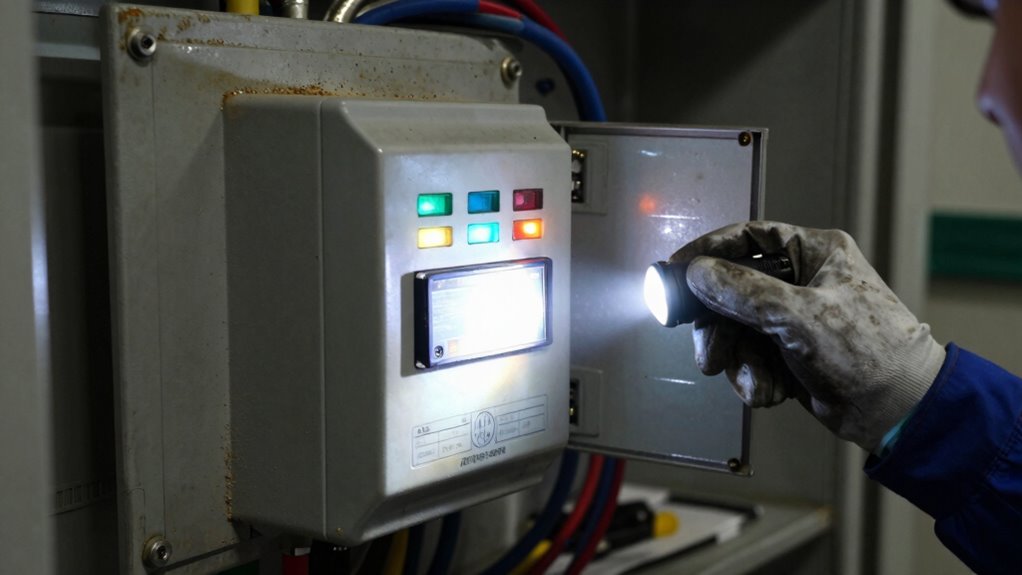

After a long outage, start by inspecting the control panel for any damage, corrosion, or dirt, and verify all indicators and alarms are working correctly. Test the batteries with a multimeter and perform a load check to confirm capacity. Check all electrical connections for tightness, corrosion, or damage, and clean as needed. Make certain cooling fans are functional and the environment is free of debris. Finally, simulate a power outage to test the transfer switch operation—if you want detailed steps, keep going.
Key Takeaways
- Visually inspect the control panel for damage, corrosion, dirt, and ensure all indicators and alarms function correctly.
- Test the batteries with a multimeter or load tester, and replace if voltage is below specifications.
- Check all electrical connections for corrosion, looseness, or damage, and clean or tighten as needed.
- Verify cooling fans and environmental conditions to prevent overheating or deterioration.
- Conduct switching tests by simulating power outages to confirm proper load transfer and safety protocols.
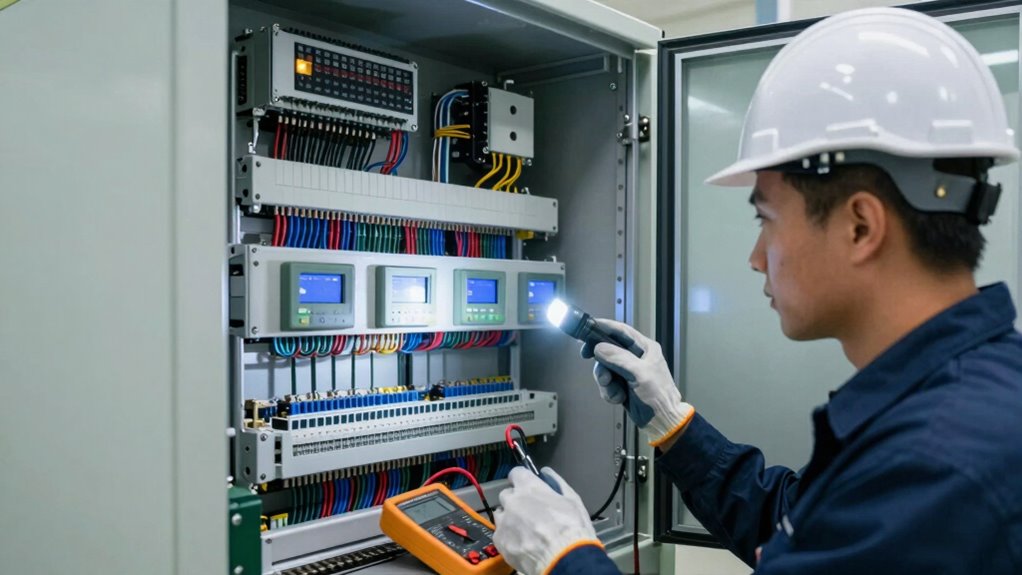
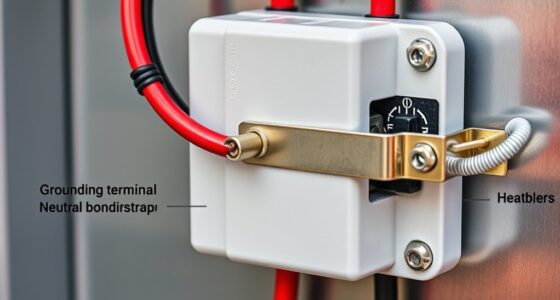
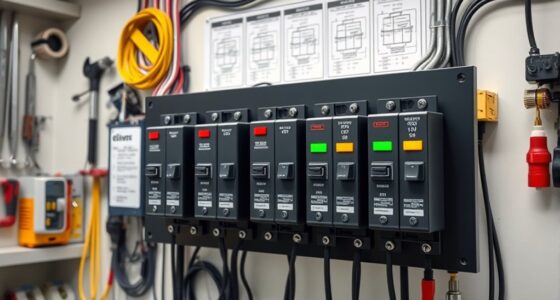
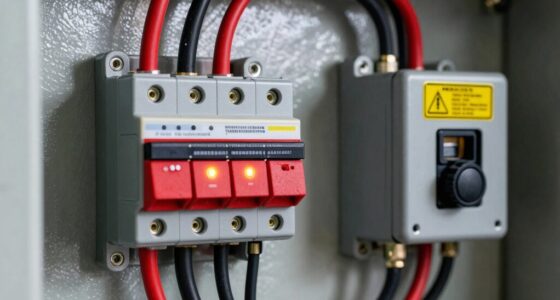
Have you ever wondered what steps to take when inspecting an Automatic Transfer Switch (ATS) after a prolonged outage? When power has been out for an extended period, your first priority is ensuring the ATS is ready to function properly again. Start by inspecting the control panel. This component is the nerve center of the ATS, housing vital indicators, relays, and circuit boards. Check for any signs of damage, corrosion, or dirt that could interfere with operation. Confirm that all control panel indicators, such as status lights and alarms, are functioning correctly and displaying normal readings. If you notice any irregularities, like blinking or off lights, investigate further before proceeding.
Inspect the control panel for damage, corrosion, and ensure indicators and alarms function correctly before proceeding.
Next, focus on battery testing. The batteries are critical because they supply backup power to the control panel during outages, ensuring the ATS can switch loads smoothly. Use a multimeter or a specialized battery tester to measure the voltage and compare it to the manufacturer’s specifications. If the voltage is below the recommended level, the batteries may need charging or replacement. Performing a load test can also help determine the battery’s ability to sustain power under typical operating conditions. Don’t forget to inspect the battery terminals for corrosion or loose connections, as these issues can compromise the battery’s performance.
While examining the control panel and batteries, look for physical signs of wear or damage, such as corrosion, burnt components, or loose wires. These issues could be a result of prolonged downtime, environmental factors, or previous electrical faults. Ensure all connections are tight and free from corrosion, and clean any dirt or debris carefully. It’s also wise to verify that the control panel’s cooling fans, if equipped, are operational, preventing overheating during startup. Additionally, checking the electrical connections ensures that no hidden faults could compromise the switch’s ability to operate correctly during power transfer. Performing a thorough inspection of components can help identify issues that aren’t immediately visible but could affect performance.
After completing these initial inspections, consider testing the ATS’s switching functions. This can involve simulating a power outage to observe whether the switch transfers loads correctly from the main source to backup power and back again. Performing this test in a controlled manner helps ensure the device will operate reliably in an actual emergency. Remember, safety is paramount—disconnect power sources and follow manufacturer instructions carefully.

Jackery Explorer 1000 v2 Portable Power Station,1070Wh,1500W
- Powerful yet Compact: Boasting a 1,500W AC output...
- One Hour Fast Charging: Charge your Explorer 1000 v2...
- 10 Year Lifespan: The Explorer 1000 v2 portable...
As an affiliate, we earn on qualifying purchases.
Frequently Asked Questions
What Are Signs of Internal Damage in an ATS?
You’ll notice signs of internal damage in an ATS through unusual buzzing or humming sounds, indicating mechanical wear or loose internal components. Check for overheating or burnt smells, which suggest electrical issues. Visible corrosion or discoloration on internal parts also points to damage. Additionally, frequent tripping or failure to switch properly signals internal component failure. Regular inspection helps catch these signs early, preventing costly repairs and ensuring reliable operation.
How Often Should ATS Inspections Be Performed Post-Outage?
After a long outage, you should perform ATS inspections at least once a month. During these checks, focus on system calibration to guarantee accurate operation and verify the power supply‘s stability. Regular inspections help catch issues early, preventing damage or failure. If you notice any irregularities, conduct additional tests, especially of the system calibration and power supply, to maintain reliable switching and protect your equipment.
Can Software Updates Affect ATS Performance After an Outage?
Yes, software updates can affect ATS performance after an outage. They might alter the user interface, making it less intuitive or causing temporary glitches. Additionally, firmware compatibility issues could arise if updates aren’t properly matched with your system’s hardware or previous software versions. To prevent problems, always verify that updates are compatible, and thoroughly test the system’s user interface and firmware functioning before returning the ATS to normal operation.
What Safety Precautions Are Necessary During Inspection?
You must prioritize safety during inspection, as overlooking hazards could lead to disaster. Wear thorough safety gear like insulated gloves, helmets, and eye protection to guard against electrical shocks and arc flashes. Follow emergency protocols precisely, ensuring emergency shut-offs are accessible and communication lines are open. Never rush; the system might be unpredictable after an outage. Your vigilance keeps everyone safe and prevents a catastrophe from turning into a nightmare.
How to Document Issues Found During ATS Inspection?
You should use a maintenance checklist to systematically document issues during your ATS inspection. As you identify problems, note them clearly and precisely. Use inspection tools to verify each issue and record your findings with detailed descriptions. Take photographs if necessary for clarity. Make certain all issues are logged consistently, noting their location, severity, and recommended actions. This thorough documentation helps prioritize repairs and guarantees proper follow-up for system reliability.

GOLDENMATE 1500VA/1000W Lithium UPS Battery Backup & Surge Protector, White
- [LiFePO4 Battery UPS, Ultra-long Endurance]: This lithium UPS features an...
- [Pure Sine Wave UPS]: The 1500VA/1000W Pure Sine Wave...
- [Multi-Outlets & Advanced Cooling System]: Equipped with eight NEMA 5-15P...
As an affiliate, we earn on qualifying purchases.
Conclusion
Think of inspecting your ATS after a long outage like tuning a vintage car after years in storage—you need to carefully check every part to guarantee it runs smoothly again. Look for signs of wear, corrosion, or damage, and test all functions thoroughly. Once you’ve given it the proper attention, you’ll get it back on the road, confident that your system is ready to handle the demands ahead. Regular inspections keep your power flowing seamlessly, like a well-oiled engine.

GOLDENMATE 1000VA/800W Lithium UPS Battery Backup & Surge Protector, White
- [LiFePO4 Battery, Ultra-long Endurance]: This lithium UPS is equipped...
- [Multi-Outlets & Efficient Cooling System]: Featuring eight NEMA 5-15P outlets...
- [Trustworthy Protections]: The 1000VA/800W Pure Sine Wave...
As an affiliate, we earn on qualifying purchases.

CyberPower ST625U Standby UPS Battery Backup and Surge Protector
- 625VA/360W Standby Uninterruptible Power Supply (UPS): Uses simulated sine wave output...
- 8 NEMA 5-15R OUTLETS: Four battery backup & surge...
- 2 USB CHARGING PORTS: Share 2.1 amps to charge...
As an affiliate, we earn on qualifying purchases.